







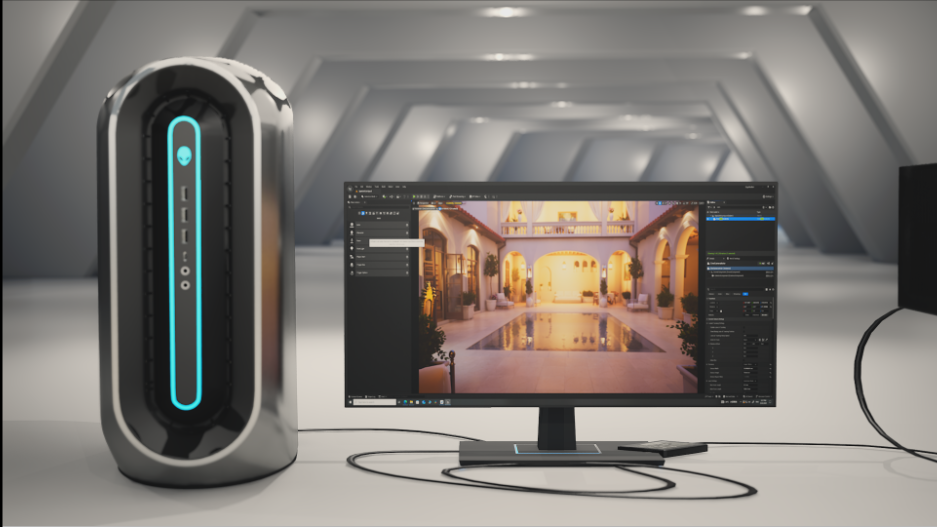
Real-time rendering is key in design, architecture, virtual production, game development, and visualization. Quick responses are essential when handling super detailed scenes, cool lighting effects, and complex digital stuff, you know? So people need this tech to work fast.
It might appear that big tower computers are the only ones up to the job at first. Yet, thanks to progress in hardware design, compact workstations now offer amazing rendering powers without taking up tons of space.
More and more business folks and creative teams turn to these compact systems since they pack serious performance in a neat package. Getting to know how they handle real-time rendering goes a long way in showing why they’re getting so popular in pro circles.
Table of Contents
Why Compact Workstations Are Becoming More Popular
Modern hardware has changed the way professional workstations are designed. Systems such as an Unreal Engine compact edition workstation demonstrate how powerful processors, advanced graphics cards, and high-speed storage can now fit inside significantly smaller systems than were possible only a few years ago.
Compact workstations are really valuable in spaces where every inch matters. Production studios and design offices adore them since these stations reduce clutter but still provide professional performance. So, they save room while offering great functionality.
These little guys take up less room too, making setup, transport, and integration way easier. This means businesses can make the most of their space while keeping plenty of computing power intact.
GPU Acceleration Drives Real-Time Performance
Modern GPUs handle most rendering calculations needed for real-time visuals. They’re the main drivers of interactive rendering, letting pros deal with complex scenes easily.
These GPUs have ray tracing cores that create amazing lighting and shadows instantly. So, you get to control super detailed scenes with no lag at all. They also do AI upscaling, making high-res images from low-res ones. This trick reduces workloads but keeps images crisp and frames smooth.
The CPU Keeps Rendering Pipelines Moving
Though GPUs handle most of the rendering tasks, CPUs are still super important for overall system performance. The CPU handles geometry, asset management, simulations, and communicates between software and hardware. Real-time engines update scenes, process object interactions, and run physics calculations non-stop. A multi-core processor makes sure these ops stay speedy to prevent lag during renders.
High clock speeds really matter since lots of rendering tasks depend on single-thread performance. Having a solid CPU keeps everything responsive when you’re working on tough projects.
Memory Performance Supports Larger Scenes
As projects get more complex, memory capacity and bandwidth become way more important. High-res textures, detailed models, and big asset libraries need lots of memory during production.
Fast DDR5 memory lets rendering engines grab and process data quicker. So, smooth navigation is possible even in huge scenes packed with millions of polygons and many effects.
With insufficient memory, though, there’s often lag and reduced productivity. That’s why compact workstations for pro rendering usually come with top-notch memory setups to handle tough creative jobs.
Thermal Engineering Prevents Performance Loss
Heat management is a major issue in compact workstation design. People using high-performance systems like the Unreal Engine standard edition workstation depend on good cooling to keep their rendering smooth during heavy work. Manufacturers tackle this by designing careful airflow, smart component placement, and advanced cooling tech. This helps keep operating temps down during long work sessions.
These efforts stop thermal throttling – where hardware slows down to manage heat. So, keeping things cool lets rendering apps run at top performance all the time.
Storage Speed Keeps Workflows Responsive
Real-time rendering applications constantly access large files, textures, models, and project assets. Storage performance directly affects how quickly these resources become available during production.
High-speed NVMe SSDs deliver significantly faster read and write speeds compared to traditional storage technologies. This allows rendering engines to retrieve assets rapidly and maintain smooth project performance.
Faster storage reduces project loading times, accelerates asset streaming, and minimizes delays when switching between scenes. This creates a more fluid workflow that allows creators to focus on development rather than waiting for data transfers.
Meeting the Demands of Modern Rendering Software
Modern rendering platforms really amp up the demands on workstations. Apps like Unreal Engine and Twinmotion require serious computing power for professional use.
Their fancy features—think dynamic lighting and real-time ray tracing—put a massive strain on hardware. To keep up, smaller workstations must finely balance each component, you see.
To keep up, each part needs to be just right. When processors, graphics cards, memory, storage, and cooling all work smoothly, small systems can match the performance of bigger setups.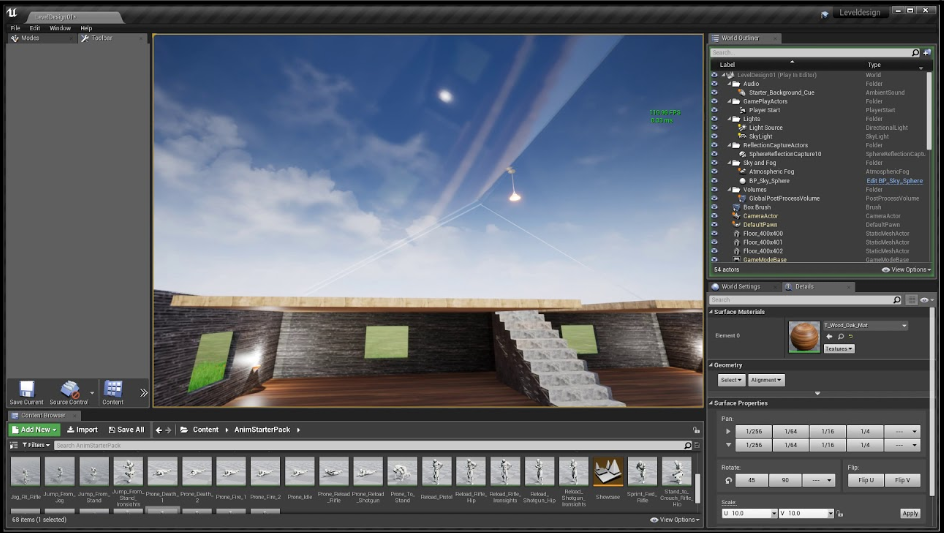
Choosing Performance Without Sacrificing Space
Compact workstations show how much modern hardware engineering has chang ed professional computing. We don’t need huge systems anymore to get great rendering results.
Compared to Dell Precision and HP Z Workstations, Cloud Ninjas focuses more on customized setups for specific tasks. This lets pros pick hardware that’s perfect for their tough rendering jobs, instead of settling for general enterprise gear.
With real-time rendering getting better all the time, compact workstations will stay super appealing to orgs looking for performance, efficiency, and flexibility. They nail that balance between power and space, making them really useful in today’s production settings.